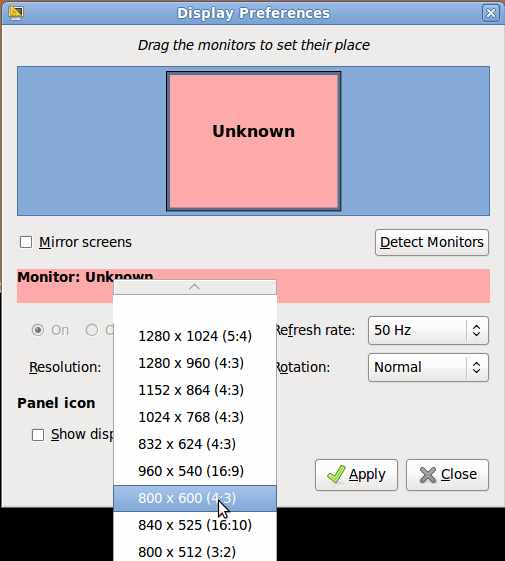
Learn how to change your monitor’s display resolution for your monitors picture to be bigger or smaller by using display properties program in Ubuntu Linux operating system Administration folder under the System menu on the top toolbar.
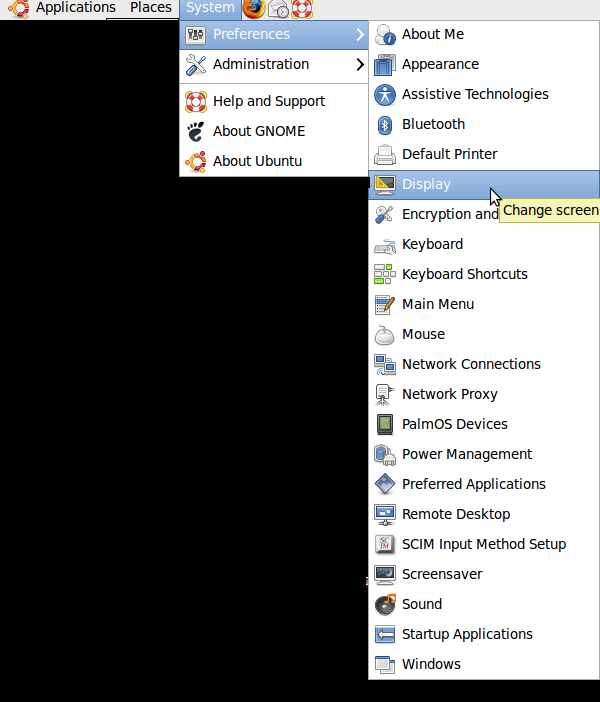
1. Go to System>Preferences>Display.
2. Click on the resolutions drop down menu and find your monitor resolution or your proffered resolution, and click the “apply” button on the lower right of the display preference window.