Sound Juicer is a program which lets you rip your Music CDs to an audio file format like MP3s, so you can more easily share, listen, or edit your sound files on Ubuntu Linux. Sound Juicer is kind of similar to CDex for Windows.I will show you how to install Sound Juicer in Ubuntu with the terminal command prompt program, and how to use Sound Juicer to extract your CD tracks and songs to OGG file format which is similar to MP3, but have a higher quality sound with a smaller file size.
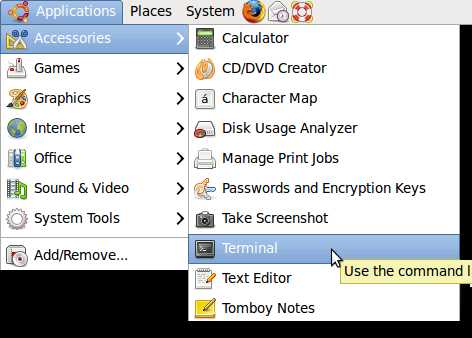
1. Start terminal by going to Applications > Accessories > terminal
2. Type sudo apt-get install sound-juicer in terminal command prompt.
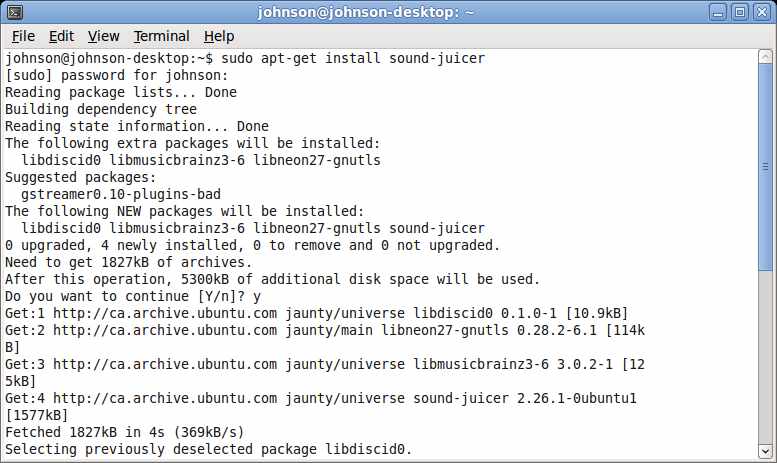
3. Click Y when you see this “Do you want to continue [Y/n]?” question.
4. Sound juicer will be installed.
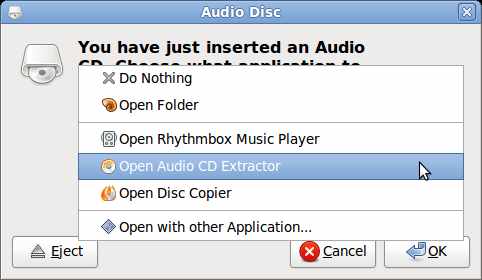
5. Insert Audio CD into your computer CD Drive.
6. In the Audio Disc window that appears, pick “Open Audio CD Extractor”
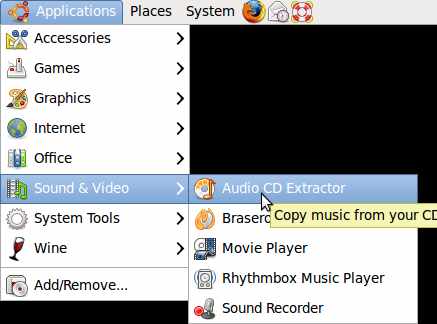
Sound Juicer is located at Applications > Sound and Video > Audio CD Extractor.
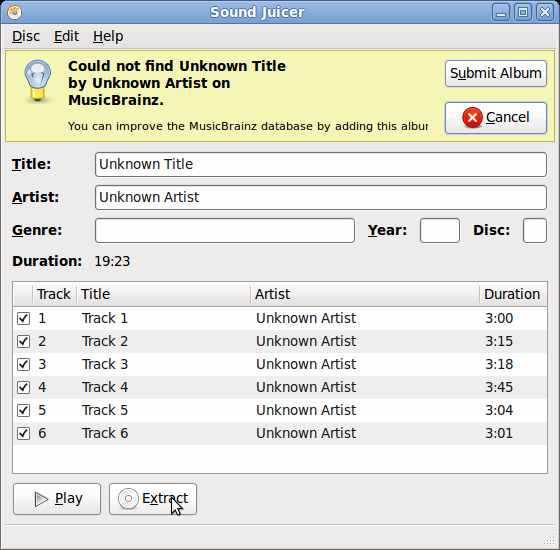
7. Click the “Extract” button on the “Sound Juicer” window.
8. To change the file type for the ripped songs go to Edit > Preferences > Format Output
9. But, the default OGG should be good enough for your listening needs.
10. Click close when all songs have been extracted.
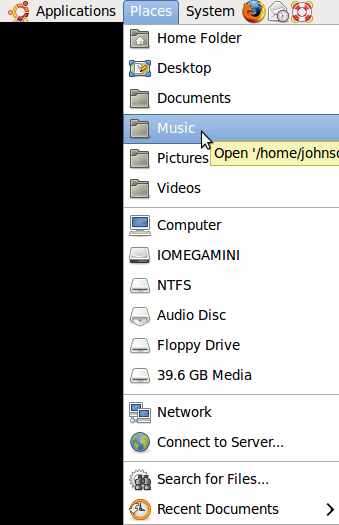
Your songs should be located at Places > Music folder