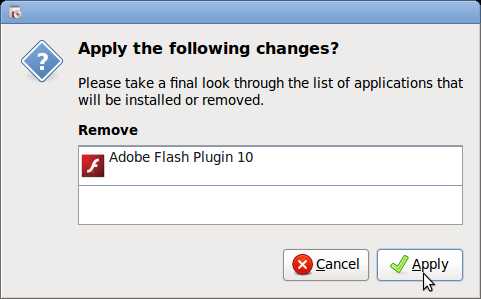
In this tutorial you will learn how to add and remove programs for Ubuntu 9.04 which is very easy to use to search for categories of software to download and install, or remove from Ubuntu Linux 9.04. I’ll show you how to install Adobe Flash Player for Ubuntu in this tutorial. I’ll also tech you how to remove programs in Ubuntu to free up disk space by unchecking them in Ubuntu Linux 9.04.
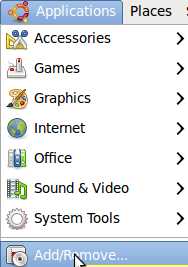
1.Go to Applications then Add/Remove Applications icon.
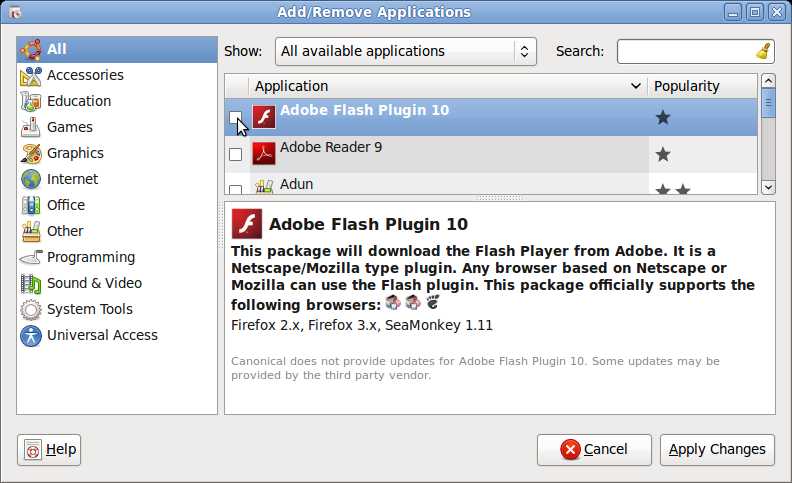
2. Add/Remove Application Windows Show up. Uncheck the programs you want to uninstall, and check the programs you want to install and click the “apply changes” button.
3. Click Apply Changes button, and you are done.