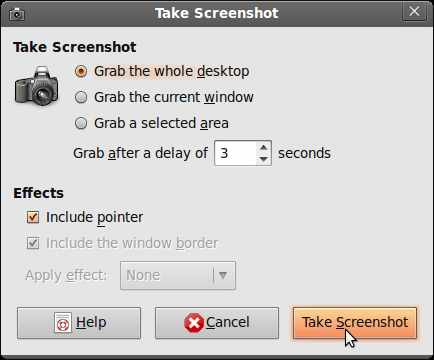
In this tutorial I’ll teach you how to take a screenshot which is a picture of your desktop, or a picture of a program running in the background in Ubuntu. I would be using the default program called “Take Screenshot” to show you how to take a screenshot in Ubuntu Linux 9.04. Screenshots are useful for sharing with technical support, friends, and other people to ask for help or teach them how to do something by showing them a screen shot of your program, desktop, or problem you are having on Ubuntu.
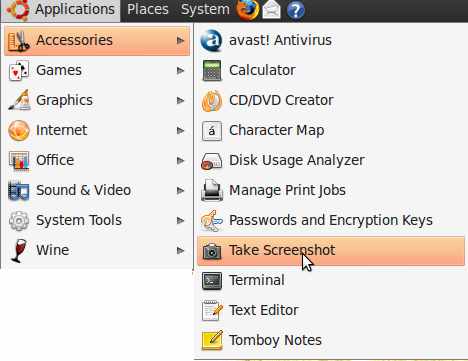
1. Go to applications>Accessories>Take Screenshot
2. Pick the type of screen shot you want and click on “Take Screenshot” button.